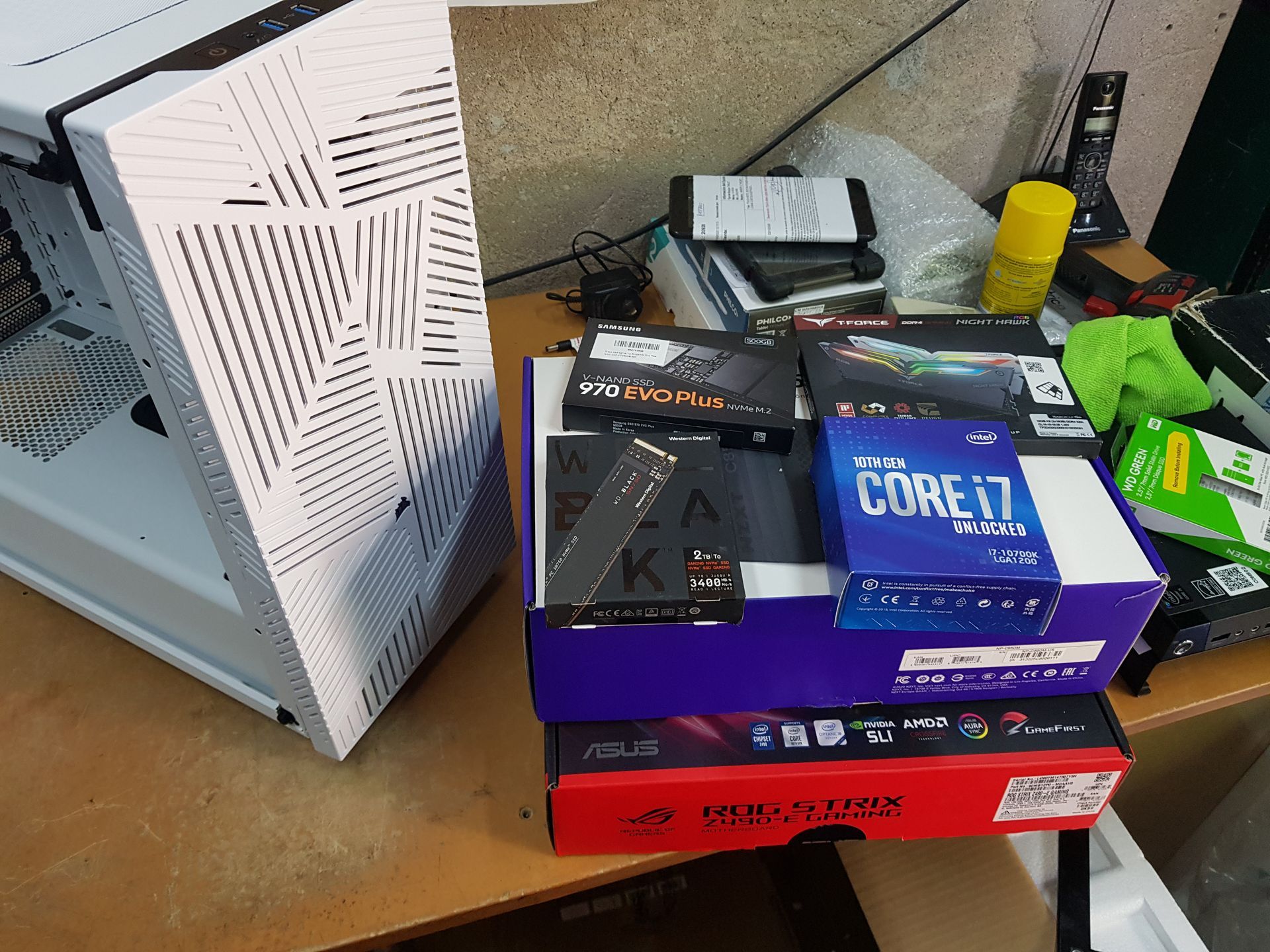
Hardware Upgrade in Bahía Blanca
Upgrading your hardware is the most effective way to improve the performance of your laptop or PC without having to buy a new computer. At CM Informática, we perform technical diagnostics, evaluate compatibility, and apply the upgrades that truly deliver results.
What hardware can be upgraded?
Hard disk (HDD → SSD / SSD → NVMe / M.2)
PC / Notebooks
The most important update. It speeds up startup, program loading, and file transfer. Immediate improvement on any computer, new or old.
RAM Memory
PCs / Notebooks (depending on the model)
Increasing the amount of RAM is essential to improve multitasking and prevent the computer from freezing or crashing.
Improves performance in browsers, Office, video calls, and resource-intensive applications.
Battery
Notebooks (depending on the model)
Some professional models allow you to add a second battery or an extended battery (ThinkPad, Dell Latitude, HP ProBook/EliteBook).
In these cases, the expansion allows for greater autonomy and extended use without a charger.
CPU
PC (depending on the model)
Processor upgrade to improve overall performance, multitasking, and speed in demanding applications.
Motherboard
PC (depending on the model)
The motherboard allows the installation of more modern CPUs, memory, and storage units, enabling current technologies such as TPM 2.0, UEFI, Secure Boot, DDR4/DDR5, PCIe 4.0/5.0, and compatibility with Windows 11.
GPU
PC (depending on the model)
Upgrade your graphics card for gaming, design, editing, CAD, and graphic tasks.
Power supply
PC (depending on the model)
It allows you to support more powerful hardware, improve stability, and protect your equipment.
Wi-Fi card
PCs / Notebooks (depending on the model)
Some devices allow you to upgrade the network card to improve compatibility with modern standards such as Wi-Fi 5, 6 or 7.
Refrigeration
PC (depending on the model)
Upgrading fans, coolers, or cooling systems such as water coolers to improve temperatures and extend the lifespan of the hardware.
Office
PC (depending on the model)
Cabinet upgrade to improve airflow, internal space and aesthetics of the equipment.
Benefits of upgrading your notebook or PC
- Immediate performance
- Lower energy consumption
- Less heat and noise
- Longer equipment lifespan
- Savings compared to buying a new device
- Compatibility with Windows 10 / 11
- Better experience at work, school, and gaming
Should I upgrade or buy a new laptop?
In most cases, upgrading is worthwhile. An SSD and RAM upgrade can significantly improve performance at a much lower cost than a new computer.
If you need to upgrade your notebook or PC, you can come to our lab or contact us via WhatsApp to schedule a diagnosis and quote.
Why choose CM Informática
30 years of experience
Real experience in updating, diagnostics and professional technical support.
own laboratory
Equipped for hardware testing, measurement, upgrades and validation.
Certified technicians
Specialists in Intel, AMD, Lenovo, HP, Dell platforms and modern architecture.
Original spare parts
New components, guaranteed and compatible with each model.
Accurate diagnosis
Complete technical evaluation to determine which upgrade is suitable and which is compatible.
4.9★ on Google (more than 389 reviews)
The highest rating in Bahía Blanca for computer technical service.
Attention to demanding companies and users
Professional support for SMEs, professionals, studios, businesses and advanced users.
Location and contact
Misiones 730 – Bahía Blanca
291 503 6704
www.cminformatica.com.ar
Monday to Friday, 9 a.m. to 6 p.m.
You might also be interested in
- Notebook Won't Turn On in Bahía Blanca
- Black Screen Notebook Bahía Blanca
- Wet Notebook Bahía Blanca
- Notebook Not Charging Bahía Blanca
- Notebook Technical Service in Bahía Blanca
- Motherboard Repair in Bahía Blanca