Windows Installation in Bahía Blanca
Clean installation, drivers, and Windows setup for laptops and desktop PCs
If your laptop or PC has Windows issues, startup errors, software faults, sluggish performance, or you just upgraded to an SSD, at CM Informática(Misiones 730, Bahía Blanca) we perform clean Windows installation and configuration in our in-house workshop and have provided technical service in Bahía Blanca since 1995. We first check the condition of your system and storage drive to confirm whether the issue is software- or hardware-related before reinstalling.
DIAGNOSTICS, QUOTE, AND WARRANTY
We inspect your system and storage drive before proceeding to send you a clear quote. The workshop diagnostic carries a professional fee that is waived when you approve and complete the service. Completed work includes a 3-month warranty covering the installation and configuration performed.
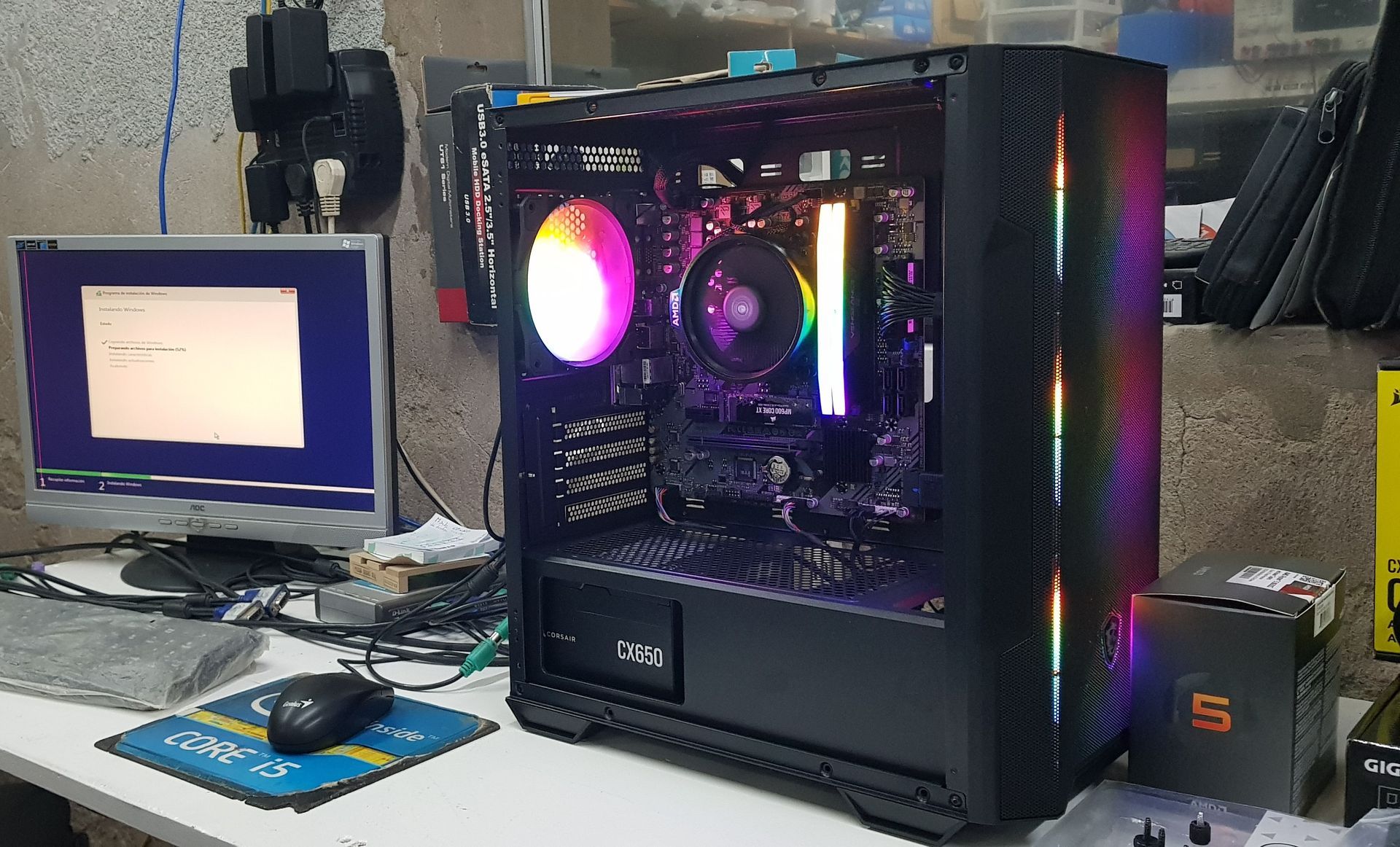
What does Windows installation include?
- Pre-installation storage check and data care: We check the health of your SSD or hard drive and evaluate the feasibility and need for backing up your personal files before formatting.
- Clean Windows 11 installation: Installation of Windows 11 when the computer meets current compatibility requirements. For older unsupported systems, we evaluate alternatives based on compatibility or hardware upgrades.
- Drivers and system updates: We install updates, official chipset, graphics, audio, and network drivers, and configure system settings so Windows runs smoothly and reliably.
- Activation and essential software: Activation using the device’s existing digital license, a customer-provided license, or a newly purchased license when applicable, along with essential utilities and, if needed, licensed Microsoft Office.
When should you reinstall or upgrade to Windows 11?
- Windows 11 upgrade and compatibility: If your computer still runs Windows 10 or an earlier version, we check processor, RAM, TPM 2.0, and Secure Boot requirements to migrate to Windows 11, or advise on hardware upgrades or system replacement.
- Upgrading from a hard drive to an SSD: A fresh installation from scratch to take full advantage of your new drive’s speed and improve overall system responsiveness.
- Windows errors, startup failures, malware, or software issues: When the operating system becomes corrupted or unstable; if blue screens or freezes occur, we first diagnose whether the root cause is software or hardware before reinstalling.